A PRIVATE HOME FOR YOUR DIGITAL LIFE
Keep the memories.
Keep them yours.
Keep photos, conversations and everyday moments from your phone in an archive on your computer. Browse by date, search within WhatsApp chats and export what matters.
Windows · macOS · Free
Your memories, under your control.


- Windows 10 / 11
- macOS
- Stored on your disk
- No account required
START WHERE YOU ARE
What would you like to keep?
Start from the device
I want to back up my iPhone
Back up a whole iPhone to your own computer, and keep messages, WhatsApp, contacts, photos and video in a local archive.
Back up an iPhoneReconnect with your past
I have an old backup
Turn an existing iTunes or Finder backup into conversations and moments you can browse.
Explore backup browsingFind a conversation again
I want to read my chats
Open WhatsApp conversations as real chat bubbles on your computer, with search and media preview.
Open the chat viewerWhat you get
Less scattered. More connected.
From the phone in your hand to the memories on your disk. Everything you need to keep your story together.
How it works
From your phone to an archive you can browse
A simple path to a readable, local copy of what matters.
- 1
Connect the device
Connect your iPhone or Android phone by USB. On iPhone, trust the computer; on Android, follow the USB debugging prompts.
- 2
Back up and organize
The device data is copied to a folder on your own disk, then parsed into a local archive so messages, chats and media become readable.
- 3
Browse and export
Browse the timeline and read WhatsApp conversations. Export chats to PDF, HTML or CSV, contacts to VCF, and media as original files.
Read, not just store
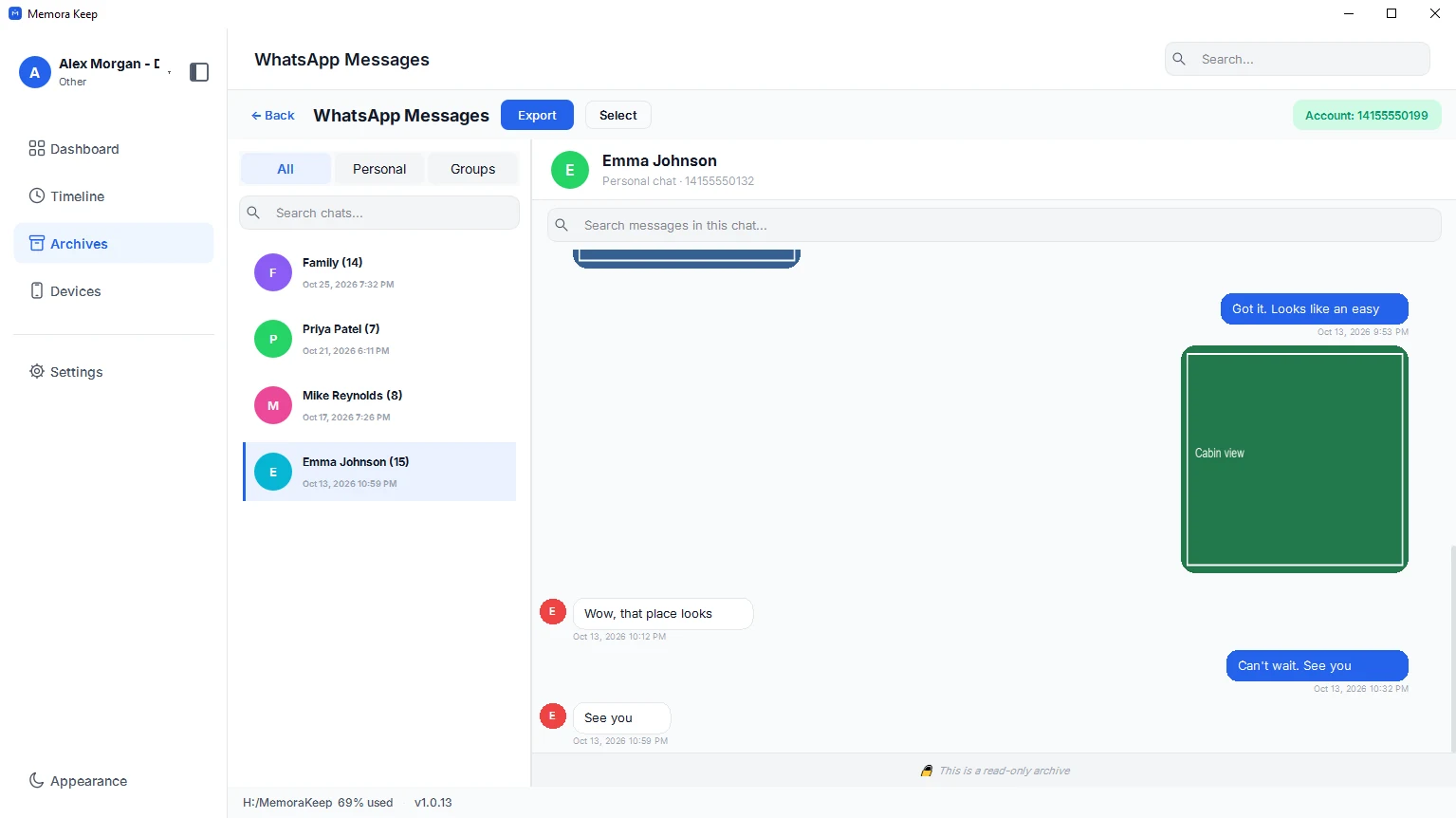
WhatsApp conversations you can actually open
Read WhatsApp chats from a supported backup as familiar message bubbles. Search within a conversation and preview its photos and videos.
- Revisit earlier conversations, one moment at a time
- Search inside a conversation and jump to the match
- Preview images and video without leaving the chat
One timeline
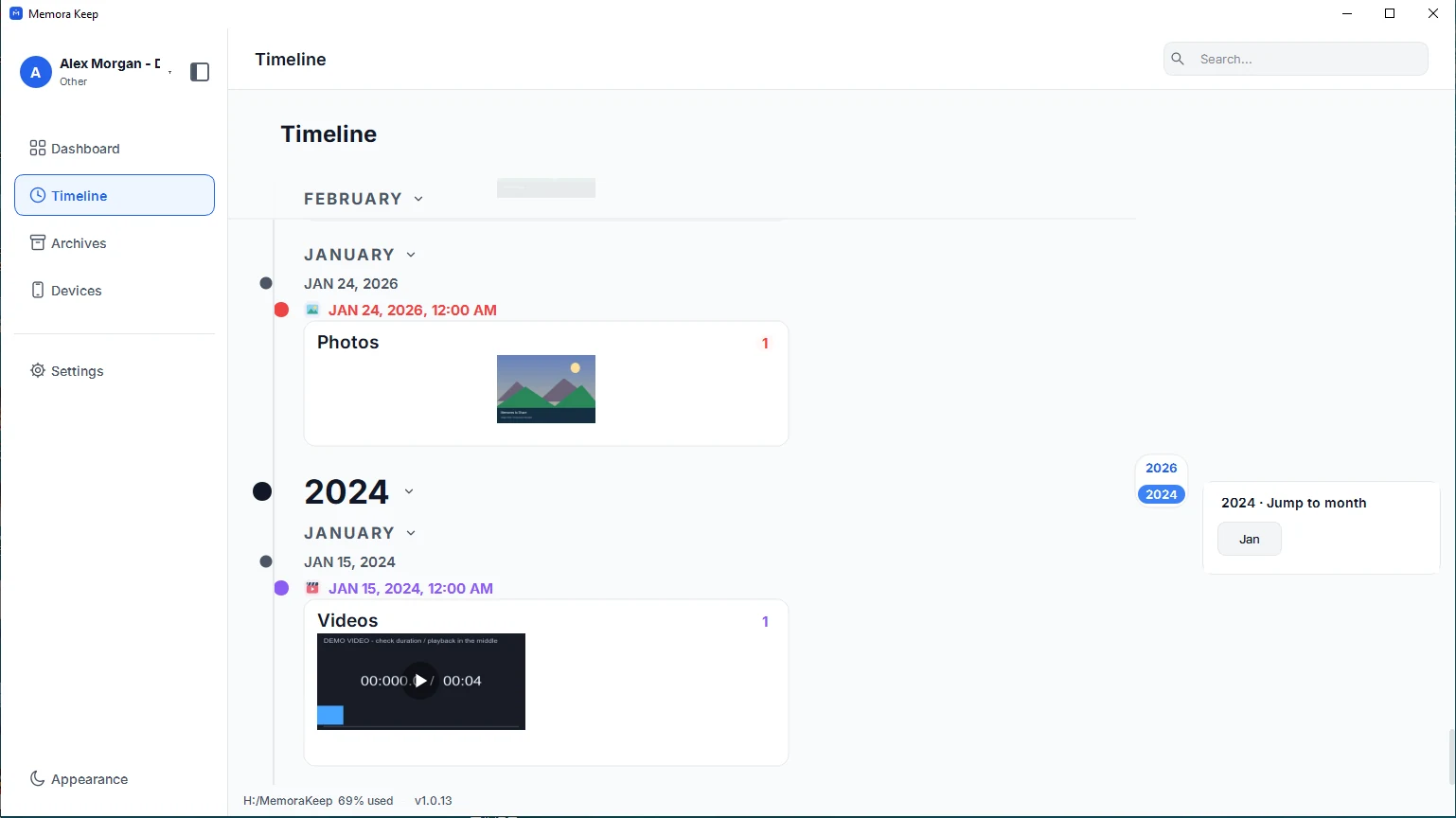
Chats, photos, documents and calls on a single timeline
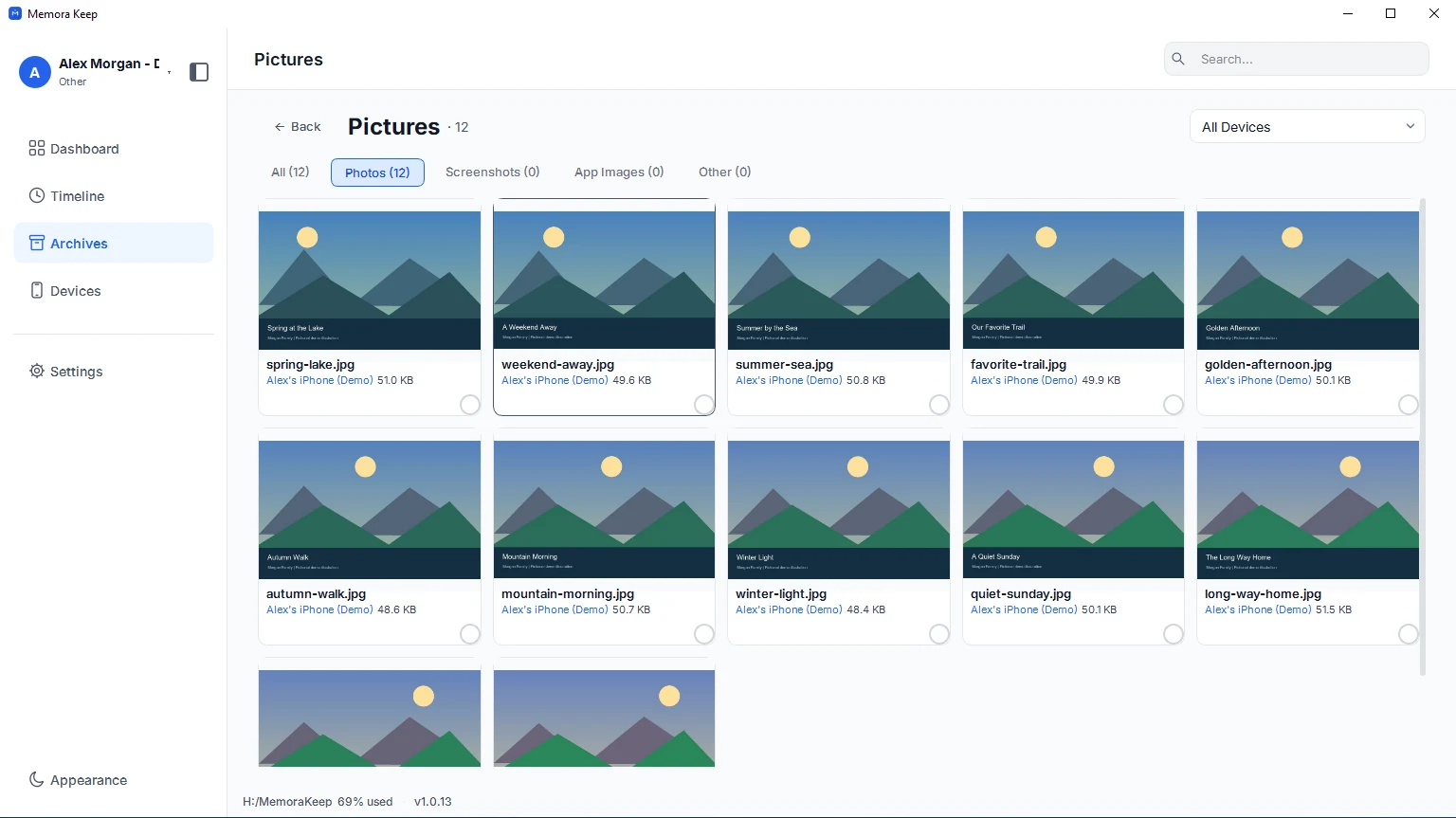
Browse imported data by year, month and day. Filter by type to focus on chats, photos or other records.
- Chats, photos, video, audio, documents, calls, SMS and browsing history
- Grouped by year, month and day, with a detail view for every item
- Filter by data type without leaving the timeline
Export that outlives the app
Export to formats anyone can open
Export WhatsApp chats to HTML, CSV or PDF, media as original files, contacts to VCF, and call or browser history to CSV. Open these files in other apps.
- WhatsApp conversations as HTML, CSV or PDF with media and timestamps
- Batch export media, optionally split into per-device folders
- Contacts to VCF, call and browser history to CSV
Your archive stays on your computer
Save backups, chats and media in a folder you choose. Memora Keep does not upload your archive, and you can browse and export it offline without an account.
- No Memora Keep account; cloud imports use your provider sign-in
- Backups, chats and media are never uploaded
- Diagnostics stay local unless you choose to send them
- Backups and the archive stay readable offline
Why I'm building MemoraKeep
We thought we'd always have his voice
My grandfather recorded stories he'd rarely told us. We kept his phone, but never saved a separate copy. When we finally thought to, it wouldn't turn on, and we no longer had the passcode.
Read the storyFAQ
Common questions
Is anything uploaded to the cloud?
No. Your backups, chats, media and the archive are written to a folder you choose on your own computer, and they are never uploaded. Diagnostics stay on your computer unless you choose to send them.
Which platforms are supported?
Memora Keep is a desktop app for Windows 10/11 and for macOS.
How much does it cost?
It is free, with no subscription and no account required.
Can I read an old iTunes or Finder backup?
Yes. Point Memora Keep at your existing MobileSync/Backup folder, and it validates the backup and parses it into the archive instead of creating a new one.
Does it support WhatsApp?
Yes — WhatsApp and WhatsApp Business. Chats, media and message history are parsed into the archive, where they can be read as conversation bubbles and exported to HTML, CSV or PDF.
What happens to my data if I stop using the app?
The backup folder and the local archive stay on your disk in ordinary files and a SQLite database. Nothing is locked to a service, so you keep access to your data either way.
Start your own local archive
Free, with no account or subscription. Your archive stays on your computer.
Windows & macOS · Free